
Free Case Converter
Convert text to uppercase, lowercase, sentence case, capitalized words, or toggle case, then edit or reuse the result without sending it to a server.
Browser-local text utility
Runs in your browserEnter your text
Choose the exact operation before creating an output.
Editable plain text · up to 200,000 characters · text is never included in a share URL
0 words0 characters0 lines0 paragraphs
Runs in your browser. The operation is deterministic except an unseeded line shuffle. No source text, result text, seed, search term or comparison content is sent to ScholarTool services.
Current result
Case Converter results
Every visible metric and finding below comes from the current inputs and result.
Complete an operation to begin
The dashboard will show only real output and observed changes.
0 words0 characters0 lines0 paragraphs
Editable output · these counts and the After card recalculate after manual edits
Detailed findings
Use this result
Result utilities
Exports use the current editable result or comparison.
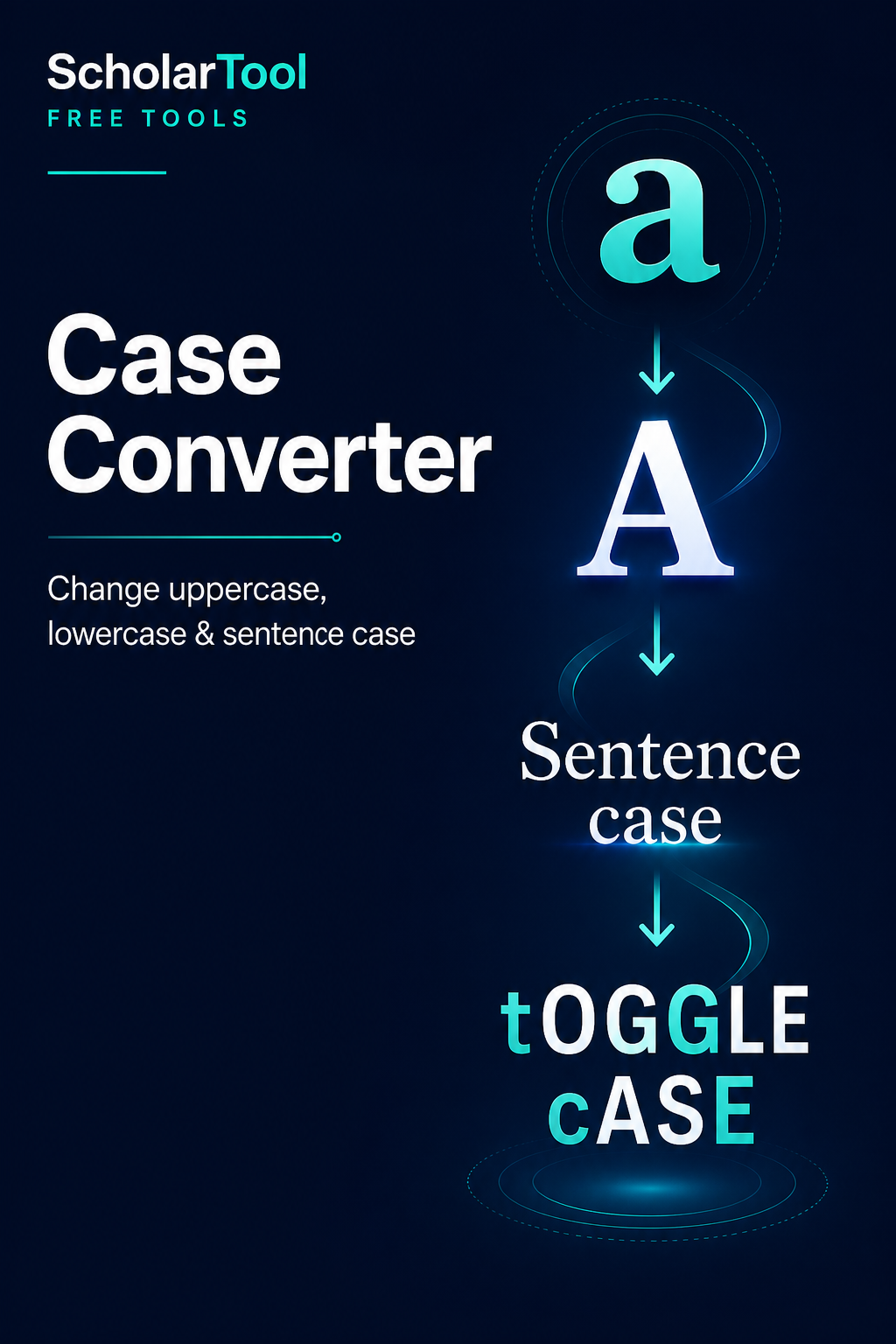
What is text case conversion and what does this Case Converter do?
Letter case describes whether cased letters appear in uppercase or lowercase form. This Case Converter applies one explicit display transformation to editable plain text and reports what changed without claiming the conventions of a publishing style guide.
How to use Case Converter
Paste or type the text you want to change.
Choose uppercase, lowercase, sentence case, capitalized words or toggle case.
Select Convert text and review the before-and-after counts.
Edit, copy or download the result, or restore the original before trying another mode.
Key features
- Five clearly labelled case transformations
- Unicode-aware browser string casing
- Editable output with restore and undo-to-original controls
- Real changed-character and preservation summaries
- 2,000-word input validation with no signup
Input guide
Enter plain Unicode text up to 2,000 words. Spaces, punctuation, emoji and line breaks remain in place. Capitalized Words simply uppercases the first cased letter of each detected word; it is not APA, AP, Chicago or another title-style rules engine.
How to understand your results
Before and After cards show words, visible characters, sentences and paragraphs. Changed Characters compares grapheme positions, Selected Transformation names the applied mode, and the preservation note confirms whether structural counts stayed the same. The output is always editable.
Worked example
Example input
hELLO, world! this is ScholarTool.
How to read it
Sentence case produces “Hello, world! This is scholartool.” It changes letter case only; deciding that ScholarTool is a proper name still requires editorial review.
Common use cases
- Normalize headings received in all caps
- Prepare lowercase identifiers or uppercase labels
- Fix accidental Caps Lock text
- Create simple capitalized word lists
Case Converter guidance and best practices
- Use sentence case for a mechanical starting point, then restore proper nouns and intentional acronyms.
- Treat technical strings carefully because case can change the meaning of units, identifiers and passwords.
- Use a dedicated title-capitalization guide when a publication style governs minor words.
Limitations, assumptions and cautions
- Case mapping can be lossy and may expand one character into more than one.
- Language-specific casing conventions vary; the browser supplies the available locale behavior.
- The tool does not infer proper nouns, abbreviations or house style.
Privacy and processing
Runs in your browser.
The conversion and all metrics run in the current browser. Share and citation actions use only the canonical page URL, never your text.
Continue this workflow
Related tools
These live canonical tools support a practical next step without duplicating this task.
Word CounterCount words, characters, sentences and paragraphs while reviewing reading time and useful word-frequency context.Character CounterMeasure user-visible characters, whitespace, words and structural text counts with Unicode-aware behavior.Text CleanerRemove selected whitespace and formatting noise with independent cleanup options, editable output and a factual operation report.
Helpful answers
Case Converter FAQs
Clear guidance for choosing and using the catalogue responsibly.
What does the Case Converter do?
It applies one selected uppercase, lowercase, sentence, capitalized-word or toggle-case transformation to editable text.
How do I convert uppercase text to lowercase?
Paste the text, select Lowercase, and choose Convert text. Punctuation and line structure remain in place.
What is sentence case?
Sentence case lowercases cased letters and uppercases the first detected letter after the beginning of a sentence. Proper nouns still need review.
What does Toggle Case do?
Toggle Case changes uppercase letters to lowercase and lowercase letters to uppercase while leaving uncased characters unchanged.
Does punctuation change during case conversion?
No punctuation is intentionally added, removed or reordered. Only cased letter forms are transformed.
Does the tool work with accented and Unicode letters?
It uses browser Unicode casing methods, so many accented and non-ASCII cased letters are supported; language-specific results can vary.
Is this the same as a style-guide title capitalization tool?
No. Capitalized Words is a simple word-initial transformation and does not apply APA, AP, Chicago or other editorial title rules.
Does my text leave my browser?
No. Conversion, counts and output editing happen locally in the page.