
Free Text Cleaner
Clean extra spaces, blank lines, line endings, tabs, selected zero-width characters, and safe punctuation spacing through explicit browser-local controls.
Browser-local text utility
Runs in your browserEnter your text
Choose the exact operation before creating an output.
Editable plain text · up to 200,000 characters · text is never included in a share URL
0 words0 characters0 lines0 paragraphs
Presets select visible options:
Runs in your browser. The operation is deterministic except an unseeded line shuffle. No source text, result text, seed, search term or comparison content is sent to ScholarTool services.
Current result
Text Cleaner results
Every visible metric and finding below comes from the current inputs and result.
Complete an operation to begin
The dashboard will show only real output and observed changes.
0 words0 characters0 lines0 paragraphs
Editable output · these counts and the After card recalculate after manual edits
Detailed findings
Use this result
Result utilities
Exports use the current editable result or comparison.
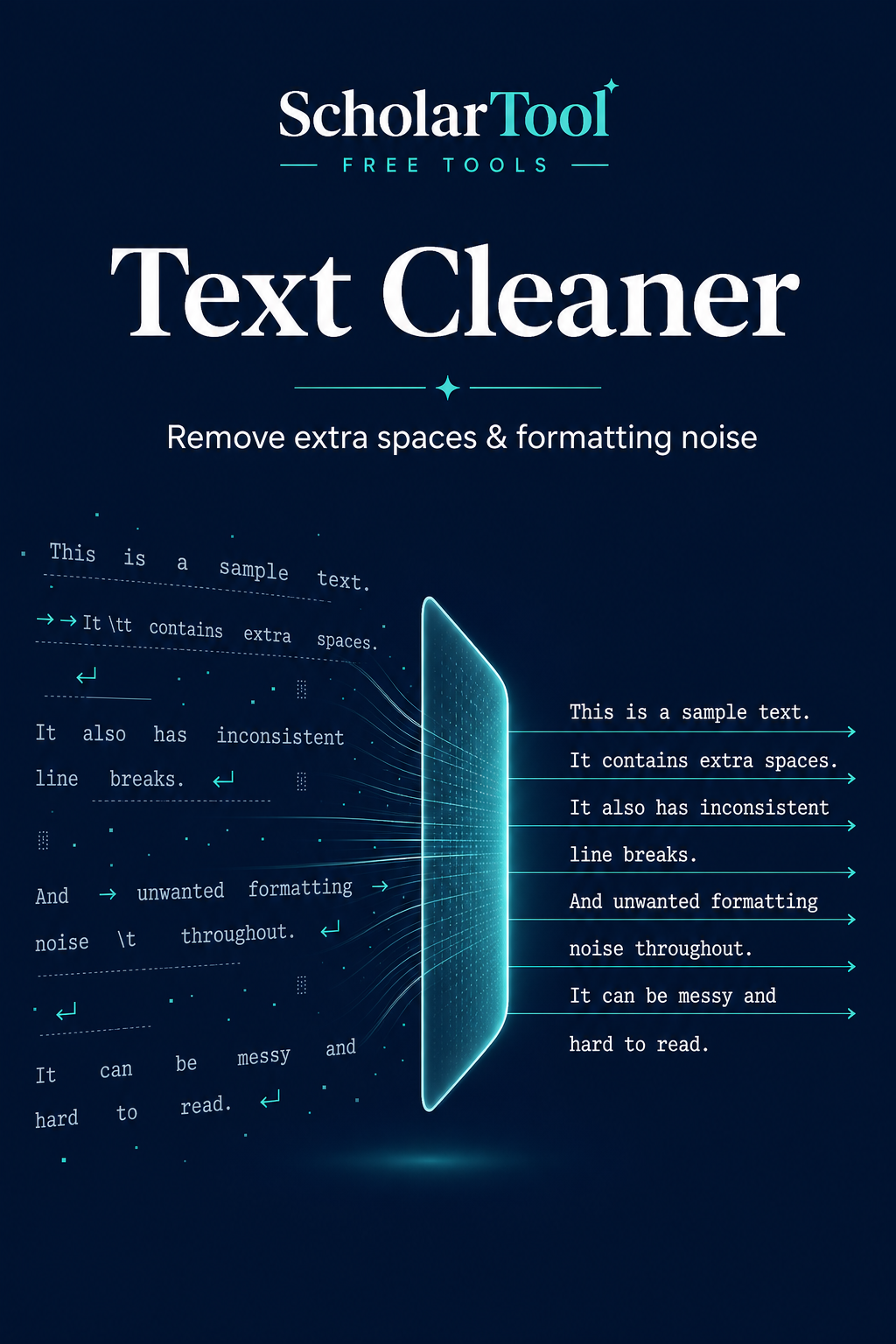
What is text cleanup and what does this Text Cleaner do?
Text cleanup removes specifically selected formatting artifacts without rewriting the words. This Text Cleaner applies independent operations in a documented order and records the changes made by each selected option.
How to use Text Cleaner
Paste the text and select individual operations or a preset.
Review the selected actions; presets simply toggle visible controls.
Choose Clean text to create the editable output and operation report.
Compare the counts, then copy, download or restore the original.
Key features
- Independent whitespace, line, tab and zero-width controls
- Basic, whitespace and copy/paste presets that expose every selected option
- Optional NFC normalization
- Real before-and-after metrics and operation counts
- No spelling, grammar or capitalization rewriting
Input guide
The tool accepts plain text up to 2,000 words. Tab width is explicit. Punctuation spacing removes space before common punctuation and adds a space after comma-like punctuation only when a letter or number follows. NFC is off unless selected because normalization can change code-point representation.
How to understand your results
The dashboard compares characters, words, lines and blank lines. The operation list reports how many matches each selected cleanup step handled. A zero count means that option was applied but found nothing to change.
Worked example
Example input
First line. Second line !
How to read it
A whitespace preset can trim the outside, collapse repeated spaces, normalize the line ending, reduce three blank separators to one, convert the tab and remove the space before the exclamation mark.
Common use cases
- Clean text copied from a PDF or rich editor
- Normalize multiline data before an import
- Remove trailing spaces from source notes
- Reduce accidental blank-line and spacing noise
Text Cleaner guidance and best practices
- Select only operations you understand and need.
- Review punctuation-heavy identifiers, code and URLs before using punctuation spacing.
- Use the operation report and editable result rather than assuming every change is desirable.
Limitations, assumptions and cautions
- The tool does not correct grammar, spelling or meaning.
- Removing zero-width joiners can affect scripts and emoji.
- Plain-text cleanup cannot restore lost document formatting.
Privacy and processing
Runs in your browser.
All cleanup steps and comparisons run locally. Text is not logged, submitted to an API or placed in share links.
Continue this workflow
Related tools
These live canonical tools support a practical next step without duplicating this task.
Duplicate Line RemoverDeduplicate multiline text while preserving line order with explicit case, whitespace, blank-line, keep-first and keep-last rules.Find & Replace TextPreview and replace literal words or phrases with explicit first/all, case-sensitive and Unicode whole-word controls.Text Difference CheckerCompare two editable texts with proven word and line diffs, real addition/deletion counts, and inline or side-by-side views.Word CounterCount words, characters, sentences and paragraphs while reviewing reading time and useful word-frequency context.
Helpful answers
Text Cleaner FAQs
Clear guidance for choosing and using the catalogue responsibly.
What does the Text Cleaner remove?
It removes only the whitespace, line-ending, blank-line, selected zero-width, tab, punctuation-spacing or NFC issues you enable.
Does it change spelling or grammar?
No. It does not rewrite words, spelling, grammar, tone or capitalization.
Can it remove extra spaces?
Yes. Collapse Repeated Spaces changes runs of ordinary spaces to one while leaving line breaks separate.
Can it remove repeated blank lines?
It can reduce three or more consecutive line breaks to one blank separator when that option is selected.
Can it remove invisible Unicode characters?
It can remove a focused set of common zero-width characters, but the option is explicit because some are meaningful.
What does Normalize Line Endings mean?
It converts CRLF, CR and Unicode line separators to LF so multiline text uses one consistent representation.
Can I restore the original text after cleaning?
Yes. Restore Original returns the source captured for the current cleaning run.
Does my text stay in my browser?
Yes. No cleanup operation sends text to ScholarTool services.