
Free Sort Lines
Sort editable line-based text through six practical ordering modes without deduplicating or rewriting the individual lines.
Browser-local text utility
Runs in your browserEnter your text
Choose the exact operation before creating an output.
Editable plain text · up to 200,000 characters · text is never included in a share URL
0 words0 characters0 lines0 paragraphs
Runs in your browser. The operation is deterministic except an unseeded line shuffle. No source text, result text, seed, search term or comparison content is sent to ScholarTool services.
Current result
Sort Lines results
Every visible metric and finding below comes from the current inputs and result.
Complete an operation to begin
The dashboard will show only real output and observed changes.
0 words0 characters0 lines0 paragraphs
Editable output · these counts and the After card recalculate after manual edits
Detailed findings
Use this result
Result utilities
Exports use the current editable result or comparison.
What is line sorting and what does this Sort Lines do?
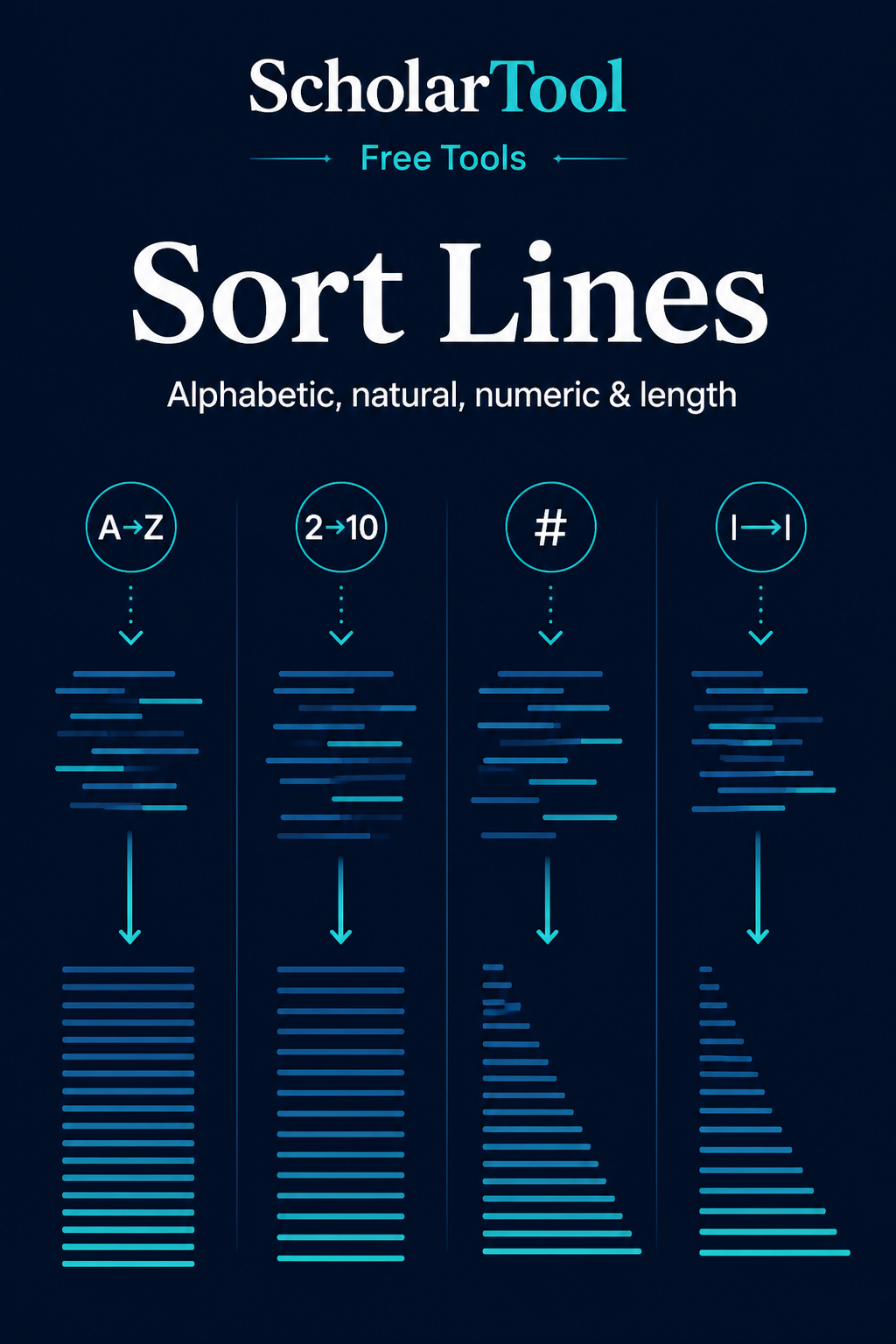
Line sorting reorders complete lines according to a comparison rule. Sort Lines supports locale-aware alphabetical and natural comparison, numeric values, and grapheme-aware line length while retaining duplicate content.
How to use Sort Lines
Paste the multiline text to order.
Select a sort mode and comparison options.
Choose whether blank lines move first, last or stay in place.
Sort, inspect moved-line and blank-line counts, then copy or download the editable result.
Key features
- A–Z, Z–A, natural, numeric and two length modes
- Locale-aware Intl.Collator comparison
- Stable ordering for equal comparison keys
- Case, trimmed-key and blank-position controls
- Duplicate lines preserved exactly
Input guide
Each physical line is one sortable item. Trim for Comparison ignores outside spaces only while ordering; it does not modify the line. Numeric mode treats finite numeric lines as numbers and places nonnumeric lines after them in ascending mode.
How to understand your results
Total Lines and Blank Lines describe the input structure. Moved Lines counts retained line objects whose output positions differ. Selected Mode names the comparator; it is not a quality score.
Worked example
Example input
item10 item2 item1
How to read it
Alphabetical sorting can place item10 before item2, while Natural A–Z recognizes the embedded numbers and returns item1, item2, item10.
Common use cases
- Alphabetize references or labels
- Order numbered item names naturally
- Arrange measurement values numerically
- Find the shortest or longest records quickly
Sort Lines guidance and best practices
- Use Natural sorting for names with embedded digits.
- Use Numeric mode only when the line itself represents a number.
- Deduplicate in the separate Duplicate Line Remover only when duplicates are genuinely unwanted.
Limitations, assumptions and cautions
- Locale collation can vary across browser language data.
- Numeric mode does not parse units or currency symbols.
- Sorting changes record order and can break sequences whose original order carries meaning.
Privacy and processing
Runs in your browser.
Sorting uses the browser’s built-in comparison features. No lines are uploaded, logged or exposed in share actions.
Continue this workflow
Related tools
These live canonical tools support a practical next step without duplicating this task.
Helpful answers
Sort Lines FAQs
Clear guidance for choosing and using the catalogue responsibly.
How does Sort Lines work?
It treats every physical line as one item and reorders those items with the selected comparator.
What is the difference between alphabetical and natural sorting?
Natural sorting interprets embedded digit runs so item2 can come before item10; ordinary alphabetical comparison treats them as text.
Can it sort numeric lines correctly?
Yes. Numeric modes compare finite numeric line values and retain nonnumeric lines as a separate ordered group.
Can I sort lines by length?
Yes. Length modes count user-perceived grapheme clusters in each comparison value.
Does sorting remove duplicate lines?
No. Every duplicate remains. Use Duplicate Line Remover for intentional deduplication.
Can sorting ignore capitalization?
Yes. Case-insensitive comparison is the default, and Case Sensitive can be enabled.
What happens to blank lines?
You can place them first, last or keep them in their original positions while sorting only nonblank lines.
Does the text stay in my browser?
Yes. Sorting is local and requires no network request.