
Free Small Text Generator
Create copyable small-cap, superscript, or subscript-style Unicode text while preserving every character that has no verified mapping.
Browser-local text utility
Runs in your browserEnter your text
Choose the exact operation before creating an output.
Editable plain text · up to 200,000 characters · text is never included in a share URL
0 words0 characters0 lines0 paragraphs
Runs in your browser. The operation is deterministic except an unseeded line shuffle. No source text, result text, seed, search term or comparison content is sent to ScholarTool services.
Current result
Small Text Generator results
Every visible metric and finding below comes from the current inputs and result.
Complete an operation to begin
The dashboard will show only real output and observed changes.
0 words0 characters0 lines0 paragraphs
Editable output · these counts and the After card recalculate after manual edits
Detailed findings
Use this result
Result utilities
Exports use the current editable result or comparison.
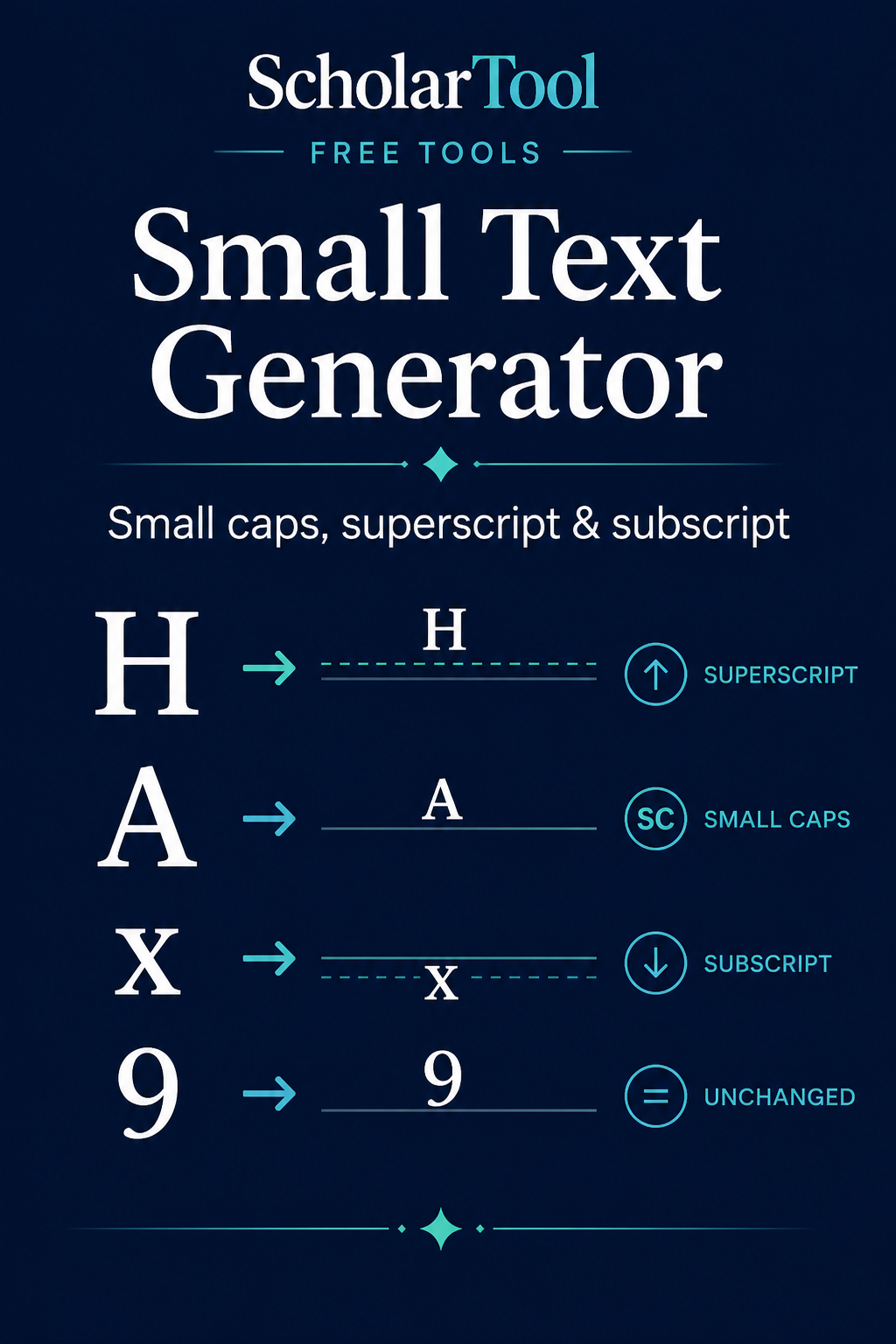
What is small Unicode text and what does this Small Text Generator do?
Small text uses separate Unicode characters whose glyphs often appear smaller than ordinary letters. This generator applies verified mapping tables for small caps, superscript-style or subscript-style output and preserves unsupported source characters unchanged.
How to use Small Text Generator
Enter the text to map.
Select Small Caps, Superscript or Subscript.
Generate the output and check the supported, unsupported and coverage cards.
Review unchanged characters, then copy or download the editable result.
Key features
- Three real Unicode mapping sets
- Unsupported letters preserved rather than fabricated
- Mathematical mapping-coverage percentage
- Editable copy-and-paste output
- No font download, account or server call
Input guide
ASCII letters and numbers have different coverage in each mode because Unicode does not encode a complete decorative alphabet for every style. Punctuation, whitespace and emoji pass through without being labelled unsupported; eligible letters or digits without a mapping are counted and preserved.
How to understand your results
Supported is the number of eligible characters replaced by a mapped Unicode character. Unsupported counts eligible letters or digits kept unchanged. Coverage divides supported by supported plus unsupported; it does not measure visual quality or compatibility.
Worked example
Example input
H2O + café
How to read it
Superscript mode maps supported ASCII letters and the digit 2. The accented é remains unchanged because substituting an unrelated glyph would be misleading.
Common use cases
- Create a compact label for a profile or caption
- Write simple superscript-style annotations
- Preview Unicode subscript alternatives
- Check which characters a stylized mapping actually supports
Small Text Generator guidance and best practices
- Keep a plain-text version when accessibility or reliable search matters.
- Test the output in the destination app and font before publishing.
- Do not use stylized Unicode for passwords, identifiers or information that must be read unambiguously.
Limitations, assumptions and cautions
- These are Unicode characters, not a smaller font applied to the original alphabet.
- Glyph size and support depend on the font and platform.
- Many accented letters and some ASCII letters lack equivalent mappings.
Privacy and processing
Runs in your browser.
Character mapping and coverage calculation happen locally. The page never uploads the source or generated text.
Continue this workflow
Related tools
These live canonical tools support a practical next step without duplicating this task.
Helpful answers
Small Text Generator FAQs
Clear guidance for choosing and using the catalogue responsibly.
What is a Small Text Generator?
It replaces supported source characters with separate Unicode characters that often render as small caps, superscripts or subscripts.
Is small text created with a font or Unicode characters?
The output uses Unicode characters. The destination font decides their exact appearance.
What are small caps?
Small-cap glyphs resemble capital letters at a smaller visual height, but Unicode has only partial modifier-letter coverage for this use.
Why do some characters have no small-text equivalent?
Unicode encodes characters for semantic and compatibility needs, not a complete decorative alphabet in every style.
Can I create superscript text?
Yes, for the letters and digits that have verified superscript-style mappings; unsupported input remains unchanged.
Can I create subscript text?
Yes, but the Unicode subscript letter set is particularly incomplete, so coverage can be lower.
Will small Unicode text display everywhere?
Not always. Font, operating-system and application support affect the glyphs that appear.
Does my text stay in my browser?
Yes. Mapping and coverage analysis run locally.