
Free Invisible Character Tool
Copy named invisible characters, inspect pasted text by Unicode code point, or remove only the character classes you select.
Browser-local text utility
Runs in your browserGenerate or inspect characters
Choose the exact operation before creating an output.
Editable plain text · up to 200,000 characters · text is never included in a share URL
0 words0 characters0 lines0 paragraphs
Runs in your browser. The operation is deterministic except an unseeded line shuffle. No source text, result text, seed, search term or comparison content is sent to ScholarTool services.
Current result
Invisible Character Tool results
Every visible metric and finding below comes from the current inputs and result.
Complete an operation to begin
The dashboard will show only real output and observed changes.
0 words0 characters0 lines0 paragraphs
Editable output · these counts and the After card recalculate after manual edits
Detailed findings
Use this result
Result utilities
Exports use the current editable result or comparison.
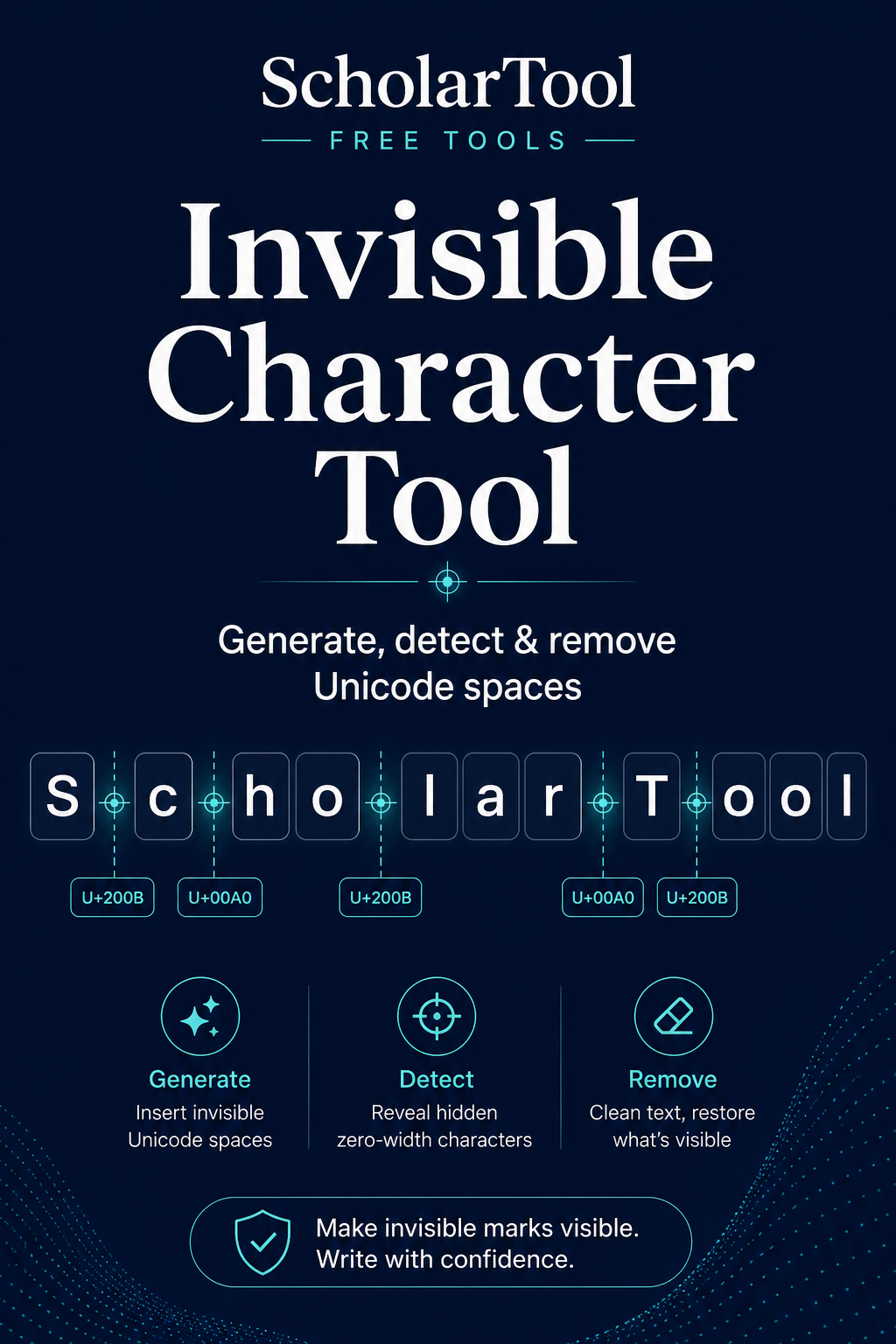
What is invisible Unicode text and what does this Invisible Character Tool do?
Invisible Unicode characters are encoded code points that have no obvious glyph or that occupy space without a visible mark. This tool identifies a focused verified set, reports one-based code-point positions, generates selected characters and removes only explicitly selected classes.
How to use Invisible Character Tool
Choose a named character and quantity if you need to generate one.
Paste suspect text into the inspector.
Review the occurrence table, code points and positions.
Select only the classes you intend to remove, then create and edit the cleaned output.
Key features
- Verified Unicode names and code points
- Generation for six common invisible or spacing characters
- Occurrence counts and code-point positions
- Explicit class-by-class removal controls
- Editable cleaned output and JSON inspection export
Input guide
The inspector recognizes Zero Width Space, Zero Width Non-Joiner, Zero Width Joiner, Word Joiner, No-Break Space, Narrow No-Break Space and U+FEFF. It does not label every Unicode format or control character, and it does not remove anything until you act.
How to understand your results
Each table row names one recognized character, shows its code point, occurrence count and positions. Positions count Unicode code points from one. Removed reports exactly how many selected occurrences were excluded from the cleaned output.
Worked example
Example input
alphabeta gamma
How to read it
The inspection finds U+200B between alpha and beta and U+00A0 between beta and gamma. Removing only Zero Width Space keeps the non-breaking space.
Common use cases
- Diagnose unexpected cursor or line-breaking behavior
- Copy a known joiner or non-breaking space
- Audit text copied from PDFs or websites
- Remove selected hidden characters before data import
Invisible Character Tool guidance and best practices
- Inspect before removing because joiners can be meaningful in language and emoji sequences.
- Use the reported code point rather than relying on visual appearance.
- Keep a source copy before cleaning text used in identifiers or structured data.
Limitations, assumptions and cautions
- The focused catalogue does not cover every Unicode control or formatting code point.
- A normal space and a no-break space can look identical.
- Removing joining controls can change shaping, emoji or linguistic meaning.
Privacy and processing
Runs in your browser.
Generation, inspection and cleaning run entirely in the browser. The inspector does not transmit pasted text or include it in page URLs.
Continue this workflow
Related tools
These live canonical tools support a practical next step without duplicating this task.
Text CleanerRemove selected whitespace and formatting noise with independent cleanup options, editable output and a factual operation report.Character CounterMeasure user-visible characters, whitespace, words and structural text counts with Unicode-aware behavior.Find & Replace TextPreview and replace literal words or phrases with explicit first/all, case-sensitive and Unicode whole-word controls.
Helpful answers
Invisible Character Tool FAQs
Clear guidance for choosing and using the catalogue responsibly.
What is an invisible Unicode character?
It is an encoded code point with no obvious visible mark, or a spacing character whose special behavior is not visually apparent.
What is a Zero Width Space?
U+200B is a format character that can create an invisible break opportunity without occupying normal space width.
What is the difference between a normal space and a non-breaking space?
A no-break space occupies width but prevents an ordinary line break at that position.
How can I detect invisible characters in text?
Paste the text and read the occurrence table for recognized names, code points, counts and one-based positions.
Can invisible characters affect copying or formatting?
Yes. They can affect wrapping, joining, searching, identifiers and cursor behavior even when no mark is visible.
How do I remove invisible Unicode characters?
Select the exact character classes to remove, then use the explicit cleaning action and review the editable output.
Are invisible characters always harmful?
No. Joiners and non-breaking spaces have legitimate linguistic and typographic uses.
Does inspection happen locally in my browser?
Yes. The text is inspected without a server request.