
Are Your Paragraphs Doing Too Much? Count Sentences Before You Rewrite
Sentence count can reveal where a paragraph has accumulated too many jobs. Use the number as a structural clue, then edit for purpose and flow.
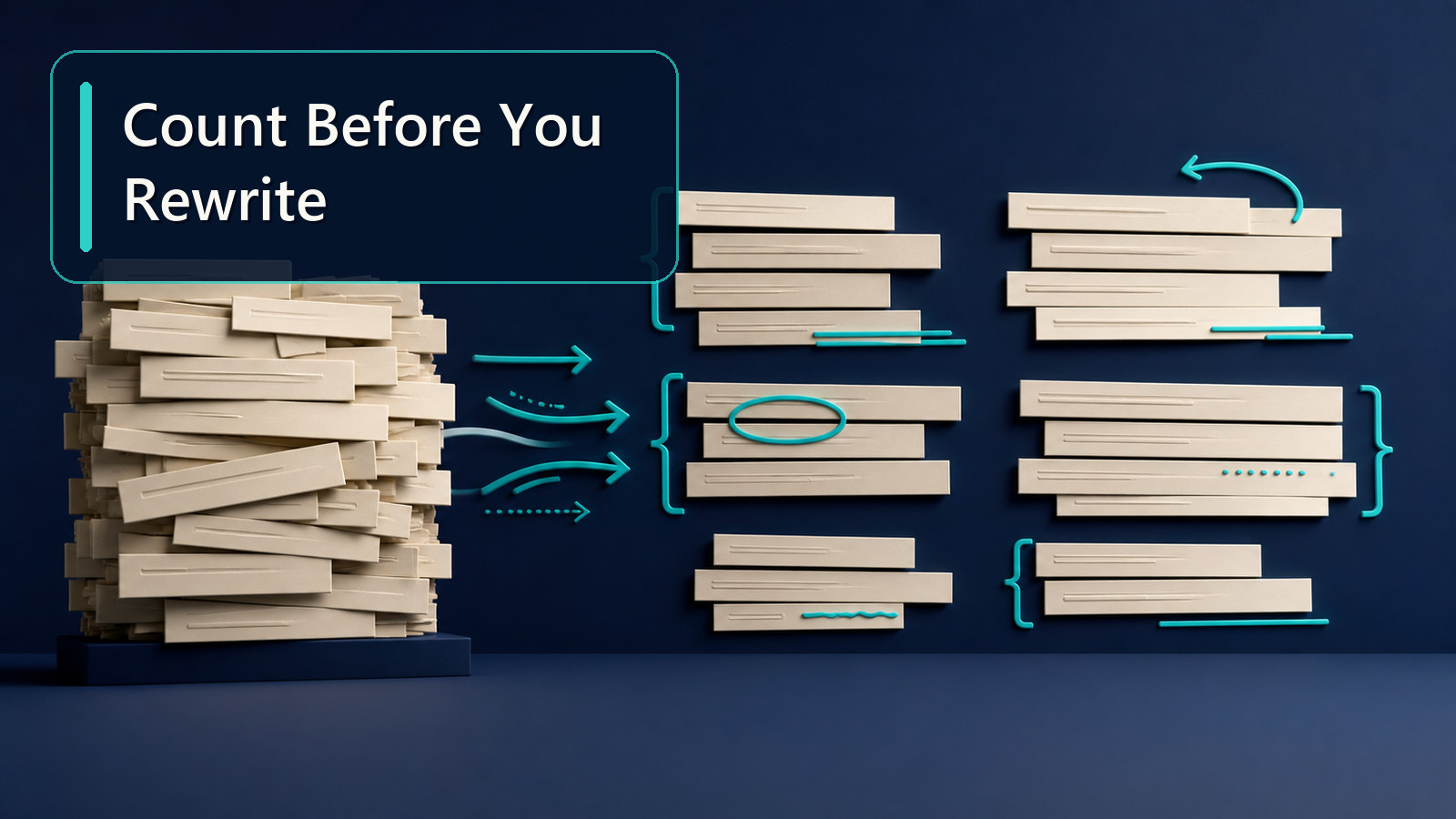
A paragraph can feel heavy even when you cannot immediately explain why. Sometimes the problem is vocabulary or sentence length. Just as often, the paragraph is simply trying to carry too many separate statements at once.
That is where a Sentence Counter becomes more useful than its name suggests. Counting sentences will not tell you whether a paragraph is good, but it can reveal places where your structure deserves a closer look.
Use sentence count as a structural clue
Imagine two paragraphs that are both about 140 words long.
The first contains four sentences. The second contains nine.
Neither is automatically better. The four-sentence paragraph may contain several long, complex sentences. The nine-sentence paragraph may feel rapid and fragmented. What matters is whether the sentence pattern matches the job of the paragraph.
Paste a draft into the Sentence Counter and look at the total alongside the text itself. If the live tool shows related counts or text metrics, use them as supporting context rather than treating any single number as a target.
The useful question is not “How many sentences should I have?” It is “Does this number make sense for what I am trying to say?”
Look for paragraphs with too many jobs
A common drafting problem is the overloaded paragraph. It starts with one idea, adds an example, changes direction, introduces a limitation, and ends with a new claim.
For example, imagine a report paragraph that does all of this:
- states the project objective;
- explains the method;
- gives a result;
- discusses a problem;
- proposes a fix;
- introduces the next phase.
Even if every sentence is individually clear, the paragraph may feel unfocused because it contains several different functions.
Counting sentences helps you notice that density. If one paragraph contains a large share of the document’s sentences, ask whether it should be split around a change in purpose.
Do not use a rigid “sentences per paragraph” rule
There is no universal rule that every paragraph should contain three, four, or five sentences.
A one-sentence paragraph can work when you need emphasis. A technical explanation may need several sentences to develop one precise point. An introduction may be short. A methods paragraph may be longer.
The problem with rigid targets is that they encourage mechanical writing. You start adding filler to a short paragraph or splitting a coherent paragraph simply because a number looks unusual.
Use the count as a prompt to inspect the writing, not as a pass/fail score.
A practical editing workflow
Suppose you have a 1,000-word article with 42 sentences. One section feels much harder to read than the rest.
Rather than rewriting everything, focus on that section.
Step 1: count the sentences
Paste the section into the Sentence Counter. Say it contains 12 sentences across two paragraphs.
Step 2: label each sentence by purpose
You do not need a formal system. Just mark them mentally:
- main point;
- explanation;
- example;
- second example;
- exception;
- background;
- recommendation;
- transition.
If several purposes appear in the same paragraph, the issue may be organization rather than grammar.
Step 3: group related sentences
Move the example next to the claim it supports. Put the limitation after the result it qualifies. Start a new paragraph when the topic or function changes.
Step 4: count again
The total number of sentences may not change at all. That is fine. The goal was not to reduce the count. The goal was to use the count to reveal where structure needed attention.
This is an important distinction: a Sentence Counter measures. You make the editorial decision.
Sentence count also helps with pacing
A section made almost entirely of short sentences can feel abrupt.
The test failed. We checked the input. The values were correct. We restarted the process. The error returned.
Nothing is grammatically wrong, but the rhythm is repetitive.
At the other extreme, a section with only a few very long sentences may force the reader to hold too much information before reaching a full stop.
That is why sentence count works well beside a Sentence Length Analyzer. One tells you how many sentence units you have; the other helps you inspect how those units vary in length.
Where this is especially useful
Sentence counting can help with:
- essay revision, especially when body paragraphs feel uneven;
- reports where one section has become dense;
- website copy where scanability matters;
- scripts and speeches where pacing affects delivery;
- abstracts or summaries where every sentence needs a clear job;
- editing translated or heavily revised text that has become structurally awkward.
It can also help when comparing drafts. If a revision becomes much longer but the sentence count barely changes, you may have expanded existing sentences rather than added new ideas. If the sentence count jumps sharply, you may have broken the text into smaller units or added many new claims.
Neither change is automatically good or bad, but both are useful signals.
What the counter cannot tell you
A sentence counter cannot decide whether a sentence is accurate, necessary, persuasive, or well written. Sentence boundaries can also become tricky with abbreviations, initials, decimal numbers, quotations, or unusual punctuation, so any automated count should be treated as a practical text-analysis result rather than an infallible linguistic judgment.
If a formal submission system applies its own rules, use that system as the final authority.
For everyday editing, the best use of a Sentence Counter is diagnostic. Count the sentences, identify sections that look structurally unusual, then read those sections with a specific question: is each sentence doing one useful job, and are related sentences grouped together?
That turns a simple count into a much better editing habit.