
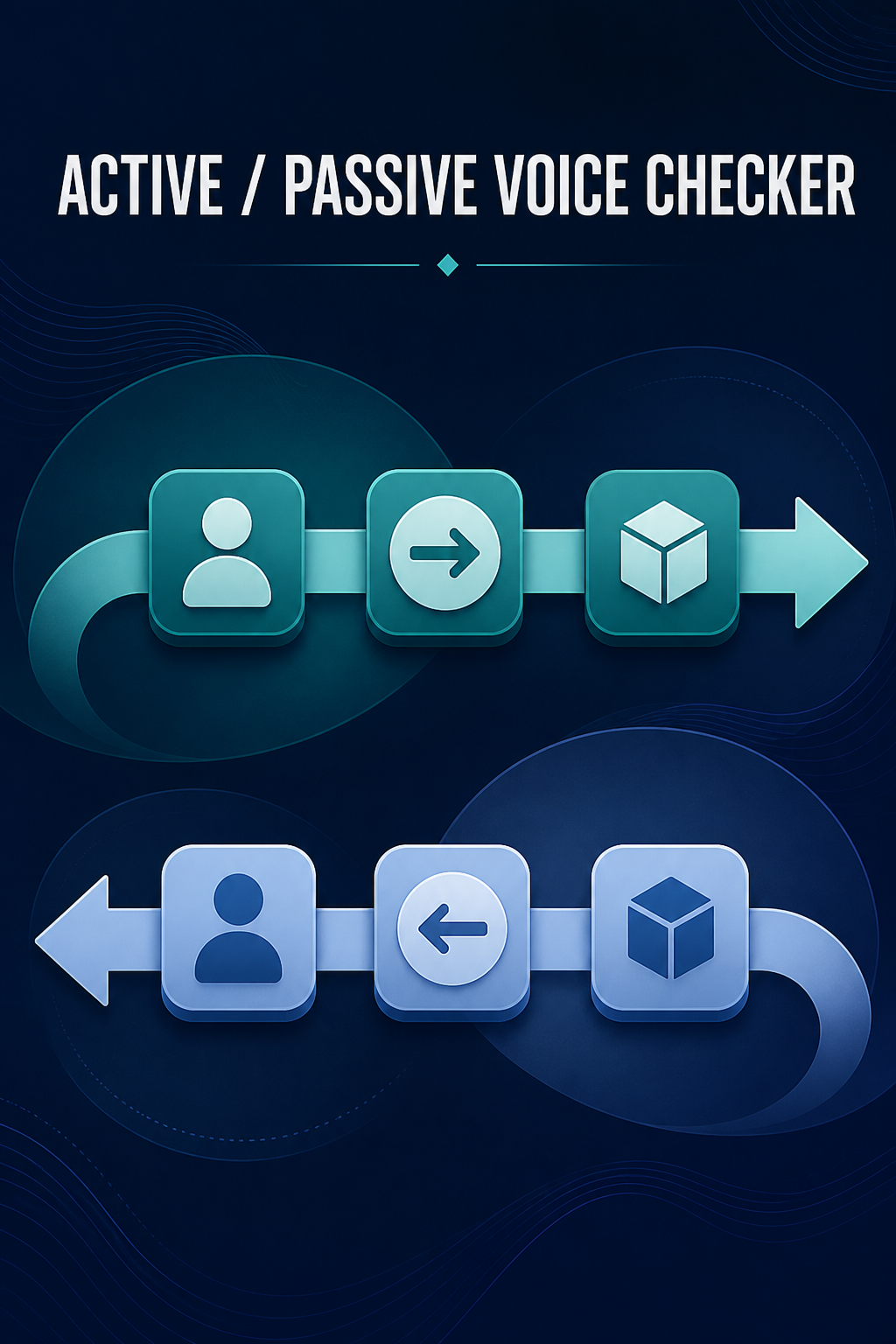
What is active and passive voice and what does this Active/Passive Voice Checker do?
Active voice places the actor as the grammatical subject; passive voice makes the receiver of an action the subject. This checker flags likely passive constructions and summarizes how many detected sentences appear active or passive.
How to use Active/Passive Voice Checker
Enter complete sentences in the editor.
Review the likely passive count and percentage estimate.
Inspect each flagged construction and whether a “by” agent phrase appears.
Decide manually whether naming the actor would improve that sentence.
Key features
- Likely active and passive sentence totals
- Estimated passive-sentence percentage
- Flagged sentence and triggering construction
- Agent-phrase indicator where “by …” is present
- Review guidance without automatic rewriting
Input guide
Use punctuated English prose. The checker looks for common auxiliary-plus-participle patterns, including modal and selected get-passive forms. Complete sentences give more context than headings or fragments.
How to understand your results
Likely Passive is a heuristic count, not a grammar verdict. The percentage divides flagged sentences by all detected sentences. Each finding shows the relevant construction so you can verify the context and keep appropriate passive voice when the actor is unknown or unimportant.
Worked example
The report was written by Maya. Maya sent it to the committee.
The first sentence is flagged with “was written” and a visible agent phrase. The second is counted as likely active.
Common use cases
- Review instructions for a clear responsible actor
- Check reports and proposals for hidden agency
- Inspect academic prose without assuming passive voice is forbidden
- Teach the structural difference between active and passive clauses
Active/Passive Voice Checker guidance and best practices
- Keep passive voice when the receiver or result deserves emphasis.
- Prefer active voice when readers need to know who must act.
- Verify every flag because the same word forms can act as adjectives or describe a state.
Limitations, assumptions and cautions
- Heuristics can miss irregular or complex passive constructions.
- Some adjective predicates resemble passives and some passives omit an agent.
- The checker does not rewrite, parse every grammar relation or declare a sentence wrong.
Privacy and processing
Runs in your browser.
Runs in your browser. Sentence text remains local and is never included in rating or sharing requests.
Related tools
These live writing tools use the same consistent text foundation for adjacent questions.
Active/Passive Voice Checker FAQs
Clear guidance for choosing and using the catalogue responsibly.
What is passive voice?
Passive voice makes the person or thing receiving an action the sentence subject, often using a form of “be” plus a past participle.
What is active voice?
Active voice makes the actor the subject, as in “Maya wrote the report.”
How does the checker identify likely passive constructions?
It searches detected sentences for common auxiliary-and-participle patterns and reports the matching construction for review.
Is every sentence containing “was” passive?
No. “Maya was tired” describes a state and is not a passive action. The checker excludes common cases but may still need human review.
Is passive voice always bad writing?
No. It can appropriately emphasize a result, protect an unknown actor or follow disciplinary convention.
Can the checker rewrite passive sentences automatically?
No. This phase analyzes text only; it offers a review prompt rather than changing the user’s words.
Why might a passive construction be missed or incorrectly flagged?
English participles and adjectives overlap, while long or unusual constructions may not match a deterministic pattern.
Can I use this for academic and technical writing?
Yes. Interpret flags according to disciplinary expectations and the information that needs emphasis.
Does my text stay in my browser?
Yes. Voice analysis runs locally.
What does the passive percentage mean?
It is the share of detected sentences that matched the checker’s likely-passive patterns, not a quality score.